




Fairlight Live Audio Panel 20 - Blackmagic
EAN:9338716010657 · MFR:DVFL/AAFLP20
€ 2.924,00 + VAT
€ 3.567,28 VAT Included
Available in 15 days
Description
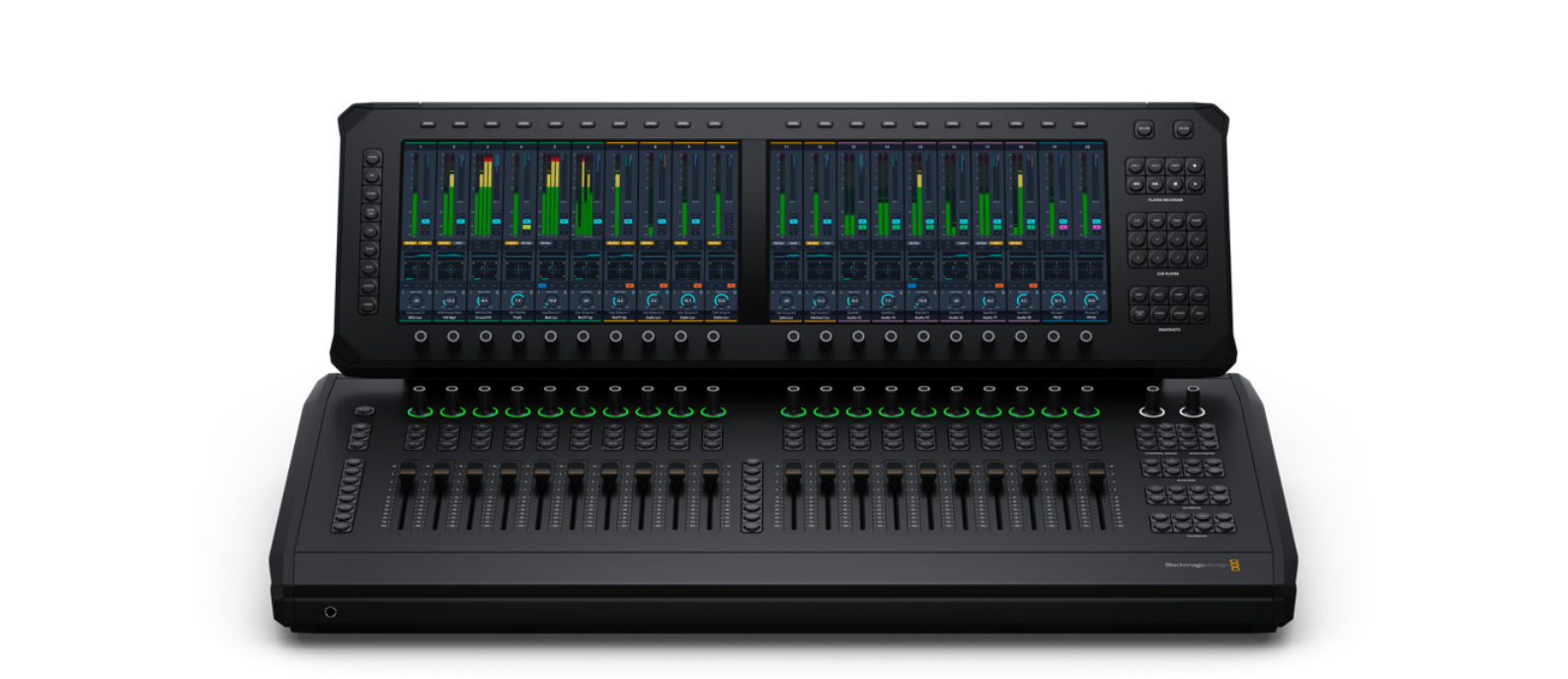
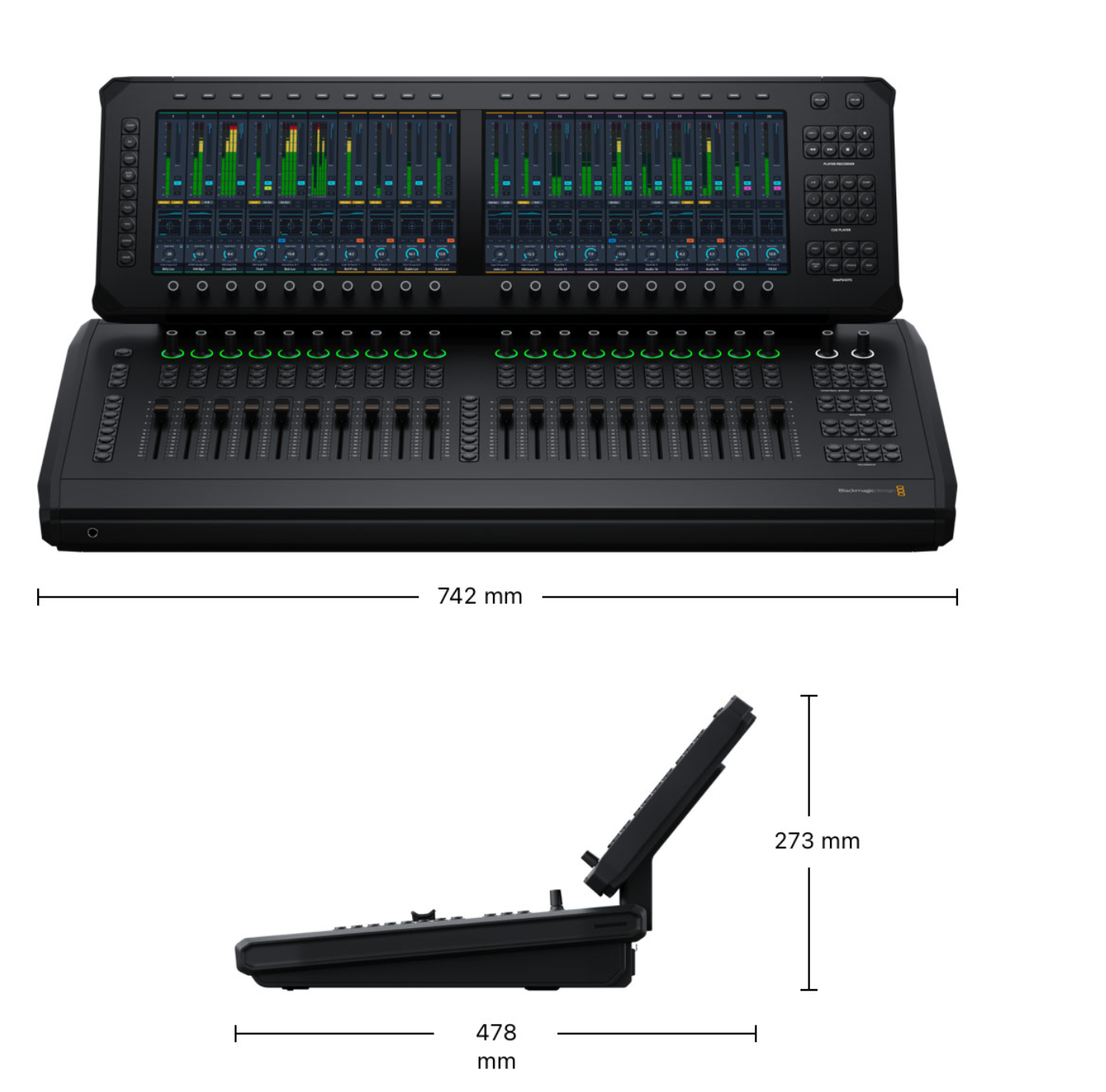
Blackmagic Desktop control panel with 20 motorized faders and two large touchscreen displays, designed for professional live audio mixing with Fairlight LiveUnlike traditional hardware audio mixers, Fairlight Live is a software-based mixer, so it supports extremely advanced features like spatial audio mixing and SMPTE 2110 broadcast workflows, and even offers full redundancy!
Depending on the computer you're using, Fairlight Live can easily handle hundreds or even thousands of audio channels, and works with computer audio or USB audio from ATEM live production switchers.
You get a fully customizable live audio mixer with built-in effects and professional features like cue player, talkback bus, support for third-party plug-ins, snapshots and much more!
Design your live mixes
Whether you're a podcaster using a professional audio mixer for the first time or a sound engineer accustomed to working with hundreds of channels, Fairlight Live has everything you need! Getting started is easy because Fairlight Live installs on your laptop, and as your production grows, it lets you easily manage multiple cameras, microphones, headsets, and audio returns.
For even greater speed and control, you can also add a professional Fairlight Live Audio Panel.
Fairlight Live handles the most complex broadcast productions with support for hundreds of channels, commentary, ambient microphones, IFB, and talkback.
It also seamlessly scales from simple podcasts to complex live productions!
Audio Podcasts
Fairlight Live is ideal for simple audio podcasts with two microphones.
It offers low-latency monitoring and basic routing, so you can record and mix in real time to create crisp, professional live audio right from your laptop.
Video Podcasts
For video podcasts with multiple cameras, microphones, audio returns, and live switching, Fairlight Live offers an integrated audio and video workflow.
The presenter can focus on the guests while the mixer handles complex routing and monitoring.
Live Sports Broadcasts
Fairlight Live can handle thousands of channels, including commentary, ambient mics, IFB, and talkback.
Sound engineers can control complex routing and multiple outputs in real time, keeping audio synchronized with rapid camera switches and the fast-paced demands of broadcast.
Fully Customizable Software Mixer
Fairlight Live lets you design your mixer with flexible audio workflows, perfect for any project, from stereo to 5.1 surround or immersive formats, with the ability to add, edit, or move inputs and buses at any time.
For example, you can easily transform a four-voice event into a remote guest setup, or route a stereo input to an ambisonic bus in seconds.
Simply right-click the channel number in the mixer to update inputs, or use the routing window for bus management and I/O assignment.
Audio channels can be managed in the track index to show, hide, or rearrange inputs and buses.
Plus, there's a large library of native plug-ins, EQ, dynamics, and support for third-party AU and VST plug-ins to fine-tune your mix.
Master VCA Controls
When you need to simplify your mixes, master VCAs let you control the relative volume of multiple channels and buses simultaneously with a single fader!
Fairlight Live supports up to 128 VCA groups, with options in the program settings to move the faders and choose what to mute or isolate. Click on the VCA field for a mixer channel to assign VCA groups, enter a name in the index, and manage them in the VCA assignment window.
They're ideal for quickly adjusting typical inputs, such as presenter mics or all the mics on a studio drum kit.
And with nested VCA support, a master VCA can control all commentator mics, while nested VCAs allow independent control of minute-by-minute commentary.


